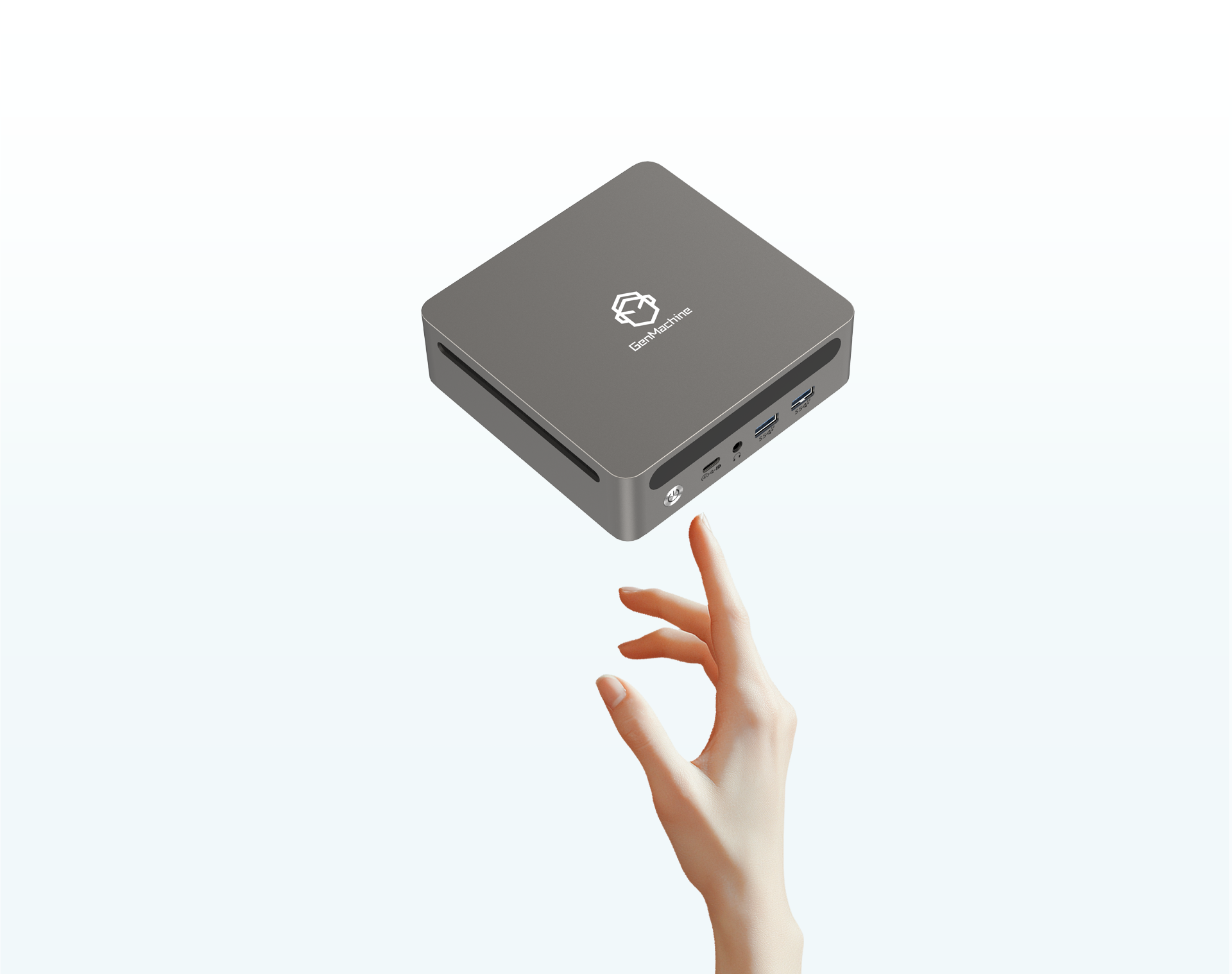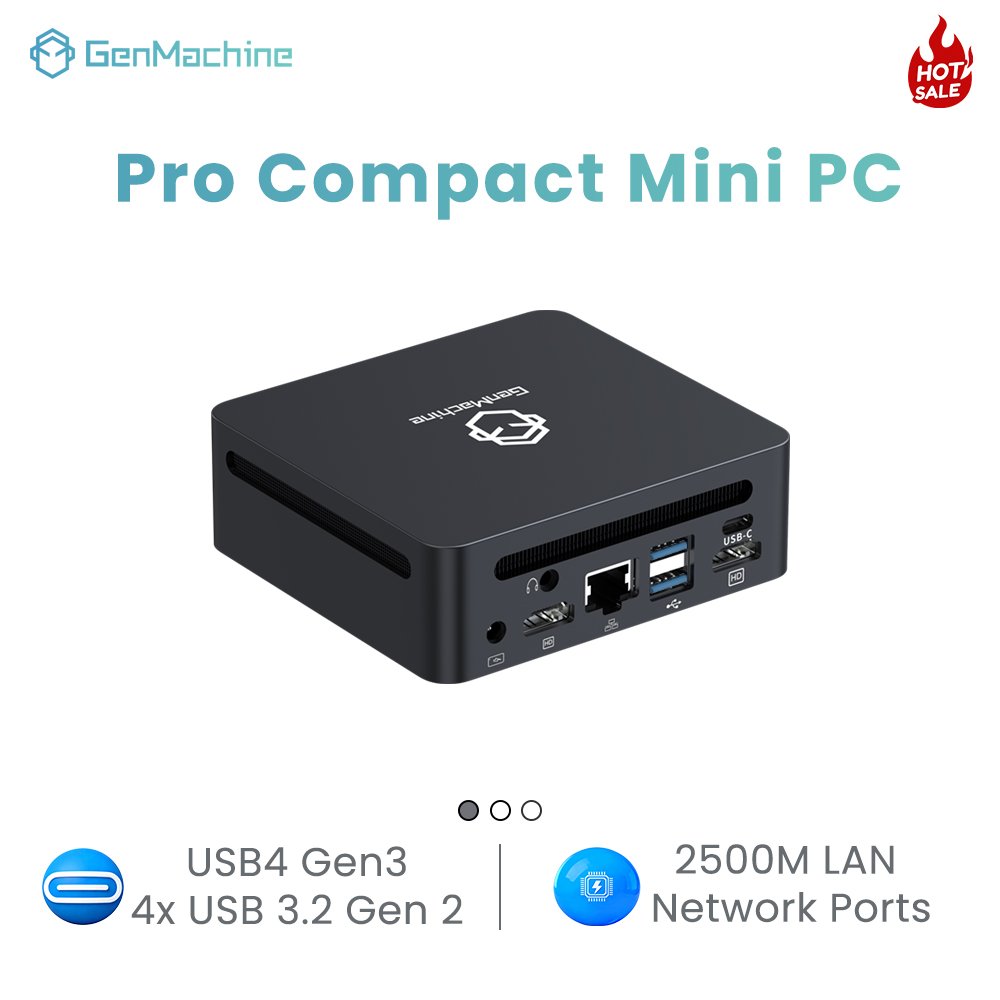
Looking at the desks of modern creative professionals today, it is pretty easy to spot a major shift in how workspaces are being put together. The giant, loud desktop tower sitting under the desk (the one that always kicks out a ton of extra heat) is slowly disappearing. It is being replaced by tiny, unassuming boxes that barely take up any physical space at all.
For a really long time, assuming a small computer could handle intense workloads was basically a joke in the tech community. You either bought a massive rig for video editing, or you settled for a tiny PC that struggled to open a large spreadsheet. But looking at how the hardware landscape has completely flipped, a Ryzen Mini PC has somehow become the go-to solution for people who need to get serious, heavy work done. It is kind of wild to see how well these compact machines handle the utter chaos of modern digital workflows without melting down.
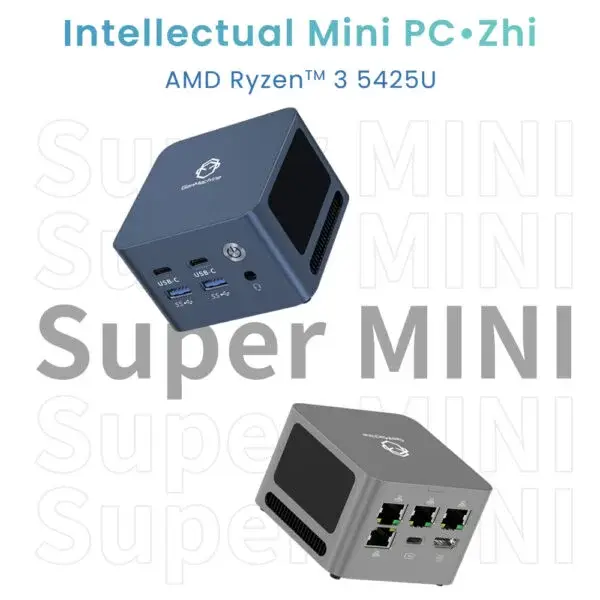
The Raw Power Behind a Ryzen Mini PC
To really understand why these specific systems handle heavy lifting so casually, it helps to look at how the processors are actually designed. There has always been this deep industry focus from AMD on stuffing as many cores and threads as physically possible into their chips. Years ago, that seemed like total overkill for the average user. But for anyone trying to render a massive 4K video while simultaneously editing audio files (and keeping forty browser tabs open in the background), those extra processor cores are basically a lifeline.
Watching a Ryzen Mini PC manage all these overlapping tasks is genuinely surprising. Instead of the system panicking and the mouse cursor doing that horrible stuttering thing across the screen, the computer just delegates the heavy work across its multiple cores. It absorbs the messy multitasking that usually breaks older machines.
Here is a quick observational breakdown of how traditional office setups compare to this modern compact approach:
| Workflow Scenario | Older Dual/Quad Core Systems | Modern Compact AMD Systems |
|---|---|---|
| Heavy Browser Multitasking | Constant memory stuttering, pages freeze | Smooth switching between demanding web apps |
| Video & 3D Rendering | Makes the computer completely unusable | Usually runs quietly in the background |
| High-Res Photo Editing | Noticeable lag when applying brush strokes | Instant visual feedback and faster exporting |
Handling the Chaos of Content Creation on a Ryzen Mini PC
Content creation is almost never a neat, organized process. It is incredibly messy. It usually involves dragging massive gigabytes of raw camera footage, uncompressed audio files, and giant high-resolution images all over the desktop. For a compact mini PC to handle this chaos, it needs more than just a good brain — solid graphical capabilities are non-negotiable to back it up.
Using a Ryzen Mini PC for this kind of visual work is impressive mainly because of the built-in graphics. The integrated Radeon graphics are remarkably strong, which is actually a massive deal for tasks like video timeline scrubbing. You do not necessarily need a huge dedicated graphics card taking up half the room just to get smooth playback in editing software anymore.
When setting up one of these compact workstations specifically for creative tasks, there are a few hardware traits that consistently make the daily experience much better:
Incredibly fast NVMe solid-state storage is strictly non-negotiable, because waiting for huge video files to load on a slow drive is just agonizing.
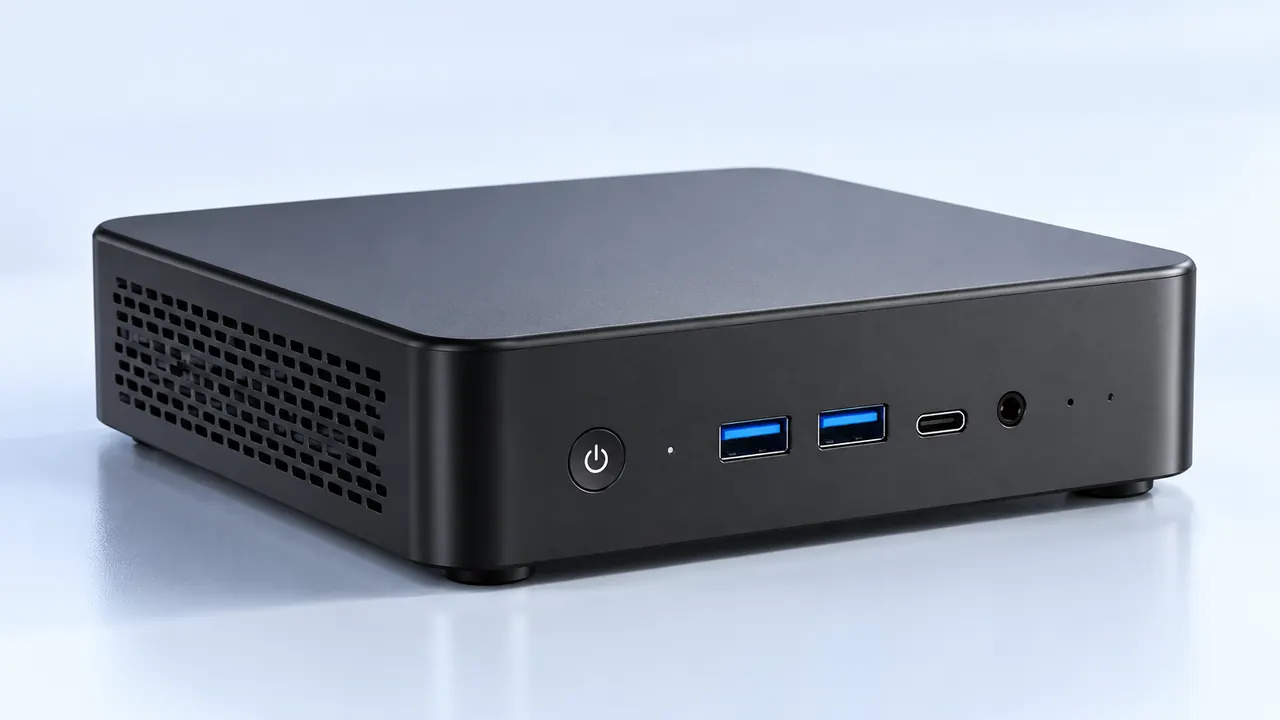
A wide variety of high-speed ports (specifically USB-C or USB4) matters immensely for quickly plugging in external hard drives and SD card readers.
Reliable, consistent cooling is essential, because rendering a long video will definitely push the tiny hardware to its absolute thermal limits.
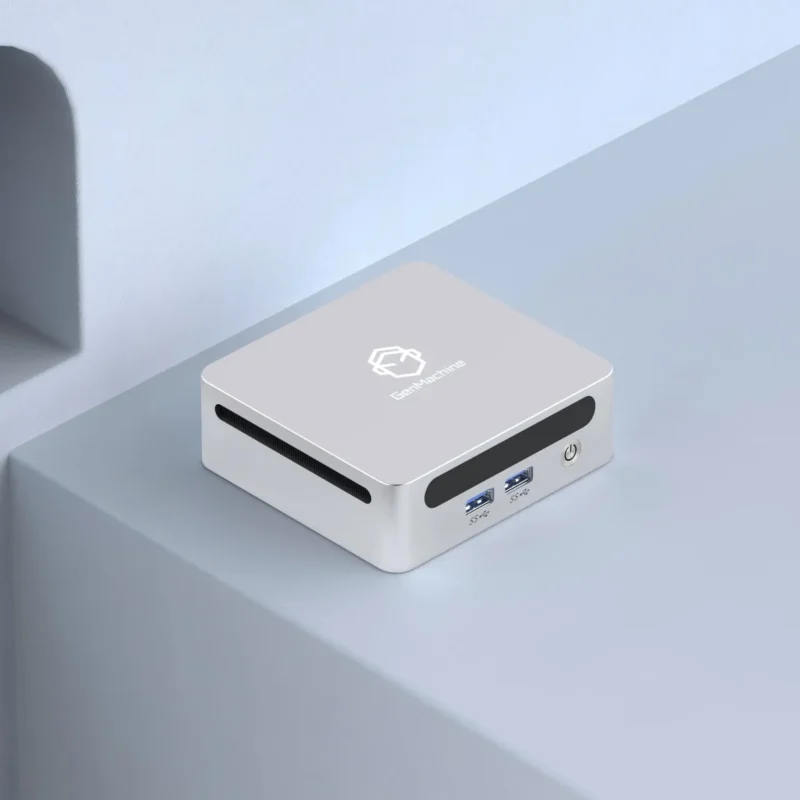
Setting Up a Ryzen Mini PC for Serious Multitasking
Everyone likes to think they are highly organized, but most people multitask terribly. A typical daily workflow usually devolves into a complete disaster of overlapping windows, forgotten background applications, music streaming, and multiple chat programs constantly pinging at the same time.
A lot of standard computers completely buckle under this specific brand of digital hoarding. The system memory gets maxed out, and everything grinds to a halt. Because a Ryzen Mini PC usually features architecture designed specifically to handle parallel, simultaneous workloads, it handles that exact type of chaos without complaining much.
If the goal is to build an environment where nothing ever slows down, following a basic setup checklist really helps maximize the hardware:
Max out the system memory on day one. Going with 32GB (or even 64GB) of RAM is the absolute easiest way to prevent bottlenecks when running heavy creative software alongside a browser.
Connect dual high-resolution monitors. These small computers easily support multiple 4K displays out of the box, which is basically mandatory for video editors who need maximum timeline space.
Tweak the fan curves in the system settings if possible. Letting the tiny cooling fans spin just slightly faster keeps the processor cool, ensuring it never throttles down during a long, heavy rendering session.
FAQ
Are they actually powerful enough for professional 4K video editing?
Yes, generally speaking, they absolutely are. While they might not be the best choice for rendering heavy Hollywood-level 3D visual effects, a modern Ryzen Mini PC handles standard 4K video timelines in programs like Premiere Pro or DaVinci Resolve incredibly well, largely thanks to the strong integrated graphics.
Does a Ryzen Mini PC get dangerously hot during long rendering tasks?
It will definitely get quite warm to the touch, which is totally normal for small form factor computers. The internal cooling fans will also ramp up and get a bit noisy. However, modern processors are designed to manage their own temperatures automatically, so they will slightly slow themselves down before ever reaching a dangerously hot level.
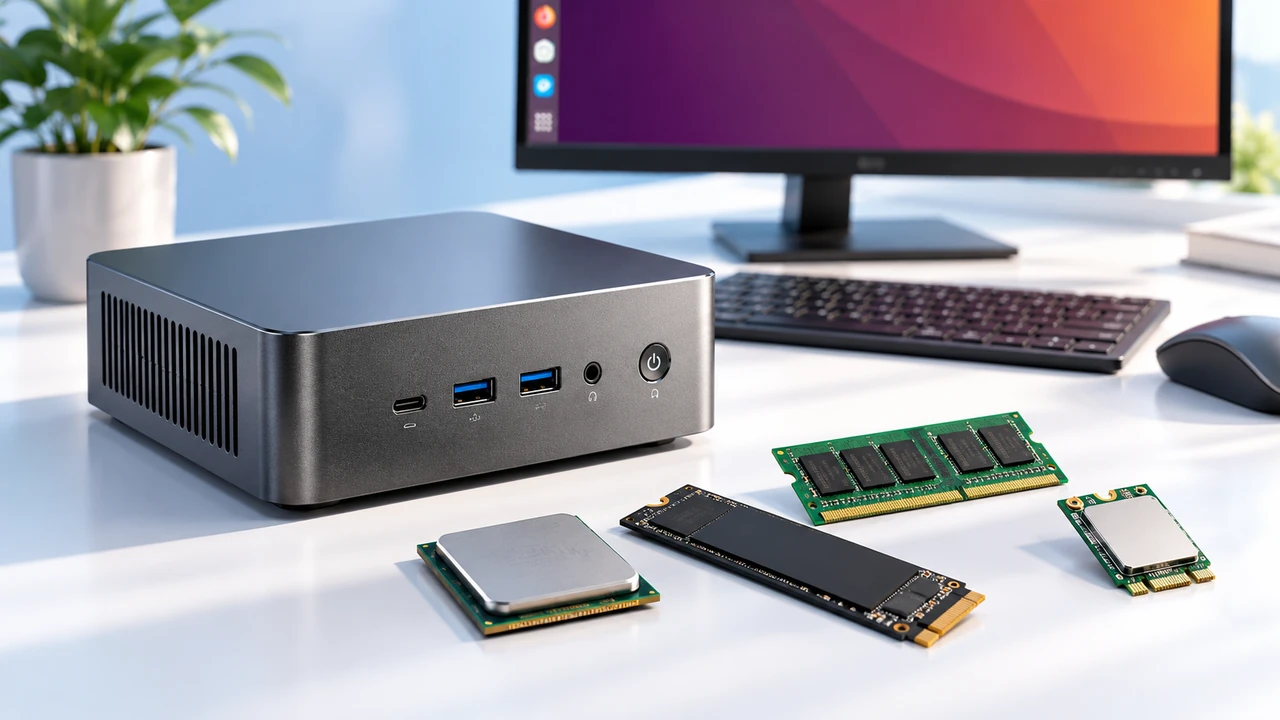
Can the internal RAM and storage drives be upgraded later?
In almost every single case, yes. Unlike a lot of modern thin laptops where absolutely everything is glued or soldered directly to the motherboard, the memory and storage inside a typical Ryzen Mini PC are fully accessible. Taking the bottom plastic cover off to add more RAM or a larger storage drive is usually a very quick, five-minute process.