Centralized storage used to mean a purpose-built box with drive bays and a price that reflected them. A small computer with eight cores and a 2.5GbE port now costs less than a four-bay enclosure and idles at a fraction of the power, which is why so many households and small offices ask whether a mini PC can take over the job of a NAS.
Yes, a mini PC can work as a NAS, and for many homes it is the more sensible choice. Any small computer that stays powered on, serves files over SMB or NFS, keeps data on redundant storage, and remains reachable on the local network performs the same role as a dedicated appliance. The limitation is not processing power but physical space for drives, so the decision comes down to how much storage you need and how much serviceability you are willing to trade away.
The sections below cover the hardware requirements, the build sequence, the honest limits, and the lifespan questions that decide whether this approach fits your data.
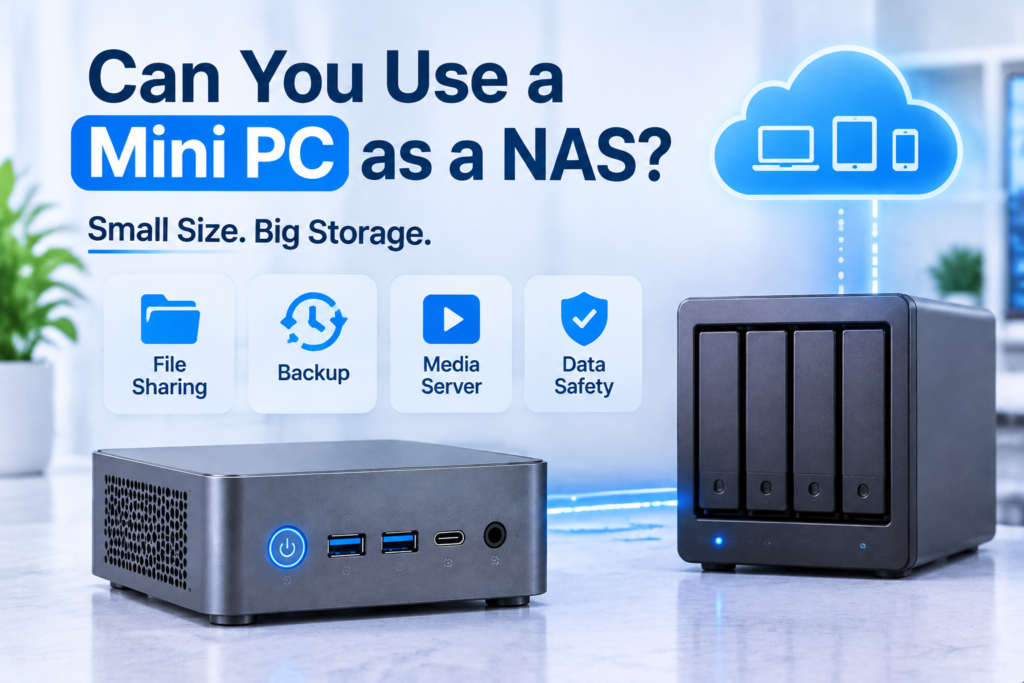
What a NAS Really Requires
A NAS is a role rather than a product category. The hardware only has to stay on, expose storage over a network protocol, survive a single drive failure, and run without a keyboard or monitor attached.
The Core Components
| Component | Minimum | Comfortable | Why it matters |
| Processor | 2 cores | 4 to 8 cores | Protocol overhead, checksums, background tasks |
| Memory | 4 GB | 8 to 16 GB | Metadata cache, containers, burst absorption |
| Storage | One M.2 plus one SATA | Two drives plus USB 3.2 | Capacity and redundancy options |
| Network | 1GbE | 2.5GbE | Ceiling for every transfer |
| Power and cooling | 15 W idle | Under 12 W idle | Noise, heat, long term stability |
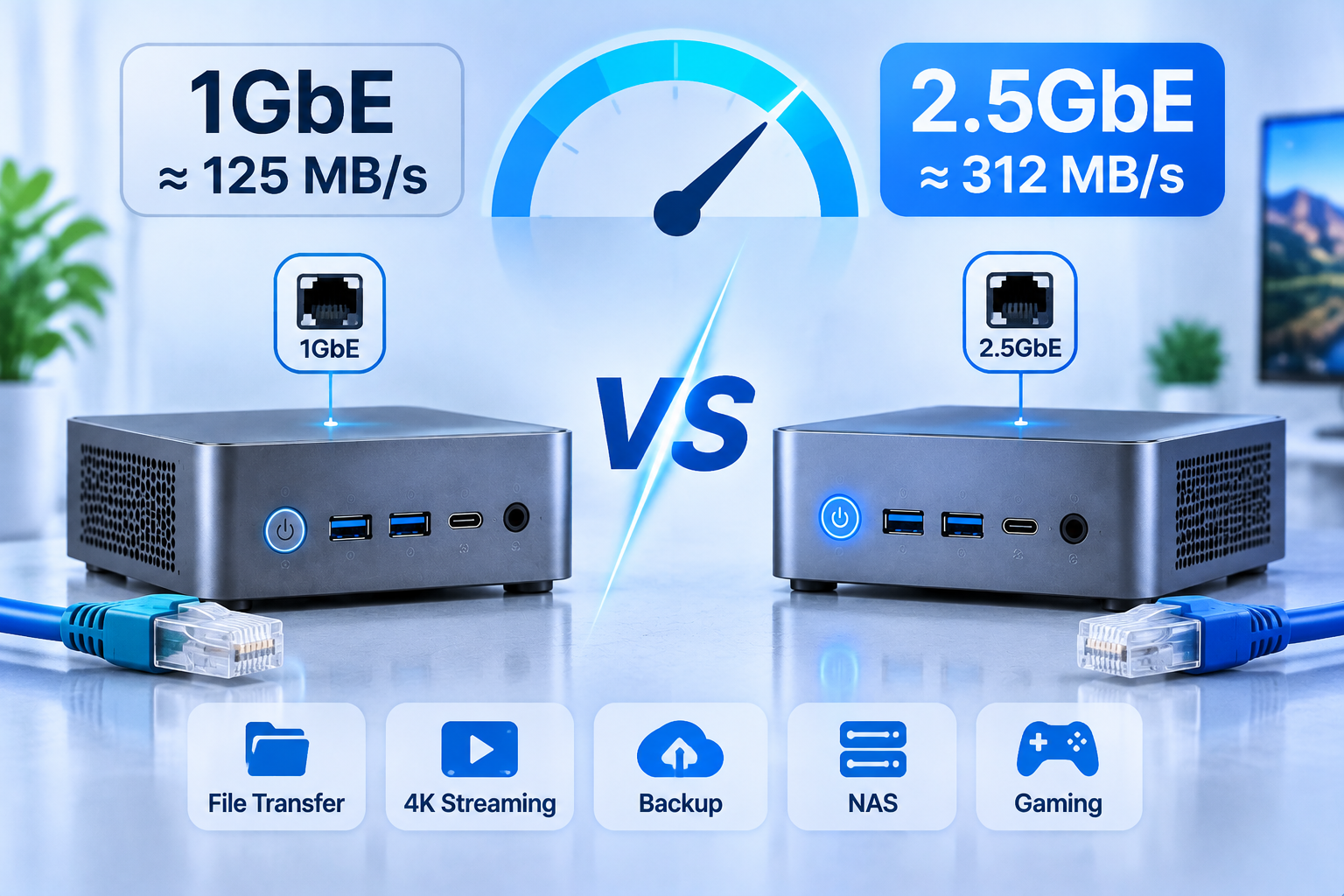
A 1GbE link tops out near 110 MB/s in practice, slower than a single modern hard drive, while 2.5GbE reaches roughly 280 MB/s for very little extra cost. Prioritize the port over the processor.
A mini PC satisfies all five comfortably, and its strengths go beyond the minimum. It is efficient at idle, quiet enough for a living room, and more capable than a budget appliance at containers and media processing, with integrated graphics that handle transcoding well. Its weaknesses are mechanical: one or two internal drives, no hot swap, rarely a second Ethernet port, and error correcting memory only on workstation class models. None of that prevents it from being a NAS. It defines the size of the job.
Can You Build a NAS with a Mini PC?
Yes. A typical build takes two to three hours of physical work and one evening of software setup, and the result behaves like any other NAS: it appears in the file browser, mounts on client machines, and runs scheduled backups.
Step 1: Match the Processor and Memory to the Workload
| Workload | Cores | Memory | Notes |
| File sharing only | 2 to 4 | 4 to 8 GB | Almost any recent low power chip works |
| Media streaming, direct play | 4 | 8 GB | The client does the decoding |
| One or two 4K transcodes | 4 to 6 | 16 GB | Needs hardware transcoding support |
| Containers and light virtualization | 6 to 8 | 16 to 32 GB | Memory binds first, not cores |
| Shared storage for a small team | 6 or more | 16 to 32 GB | Concurrency and caching dominate |
If the plan includes containers and remote access alongside storage, the trade-offs between core count, memory ceilings, and expansion are covered in this guide to a Mini PC for Your Homelab Needs. File systems that rely on caching also benefit from more memory, and doubling it at purchase is cheaper than replacing the machine later.
Step 2: Solve the Storage Problem First
| Approach | Typical capacity | Redundancy | Main risk |
| Internal drive plus external backup | Up to 8 TB | None on the primary | Restore time |
| Two internal drives, mirrored | Up to 8 TB usable | Tolerates one failure | Limited growth |
| Internal drive plus USB enclosure | 16 TB and above | Depends on enclosure | Bridge dropouts |
External enclosures work well for many people, but the details matter. Favor models with documented UASP support and their own power supply, avoid port multipliers, and keep the array on one USB controller. An array that drops offline during a rebuild can turn a recoverable failure into data loss, so primary data belongs on internal drives when possible. Capacity follows simple arithmetic: a mirror halves raw capacity, while parity costs one drive regardless of array size, so two 4 TB drives in a mirror give 4 TB usable with tolerance for one failure.
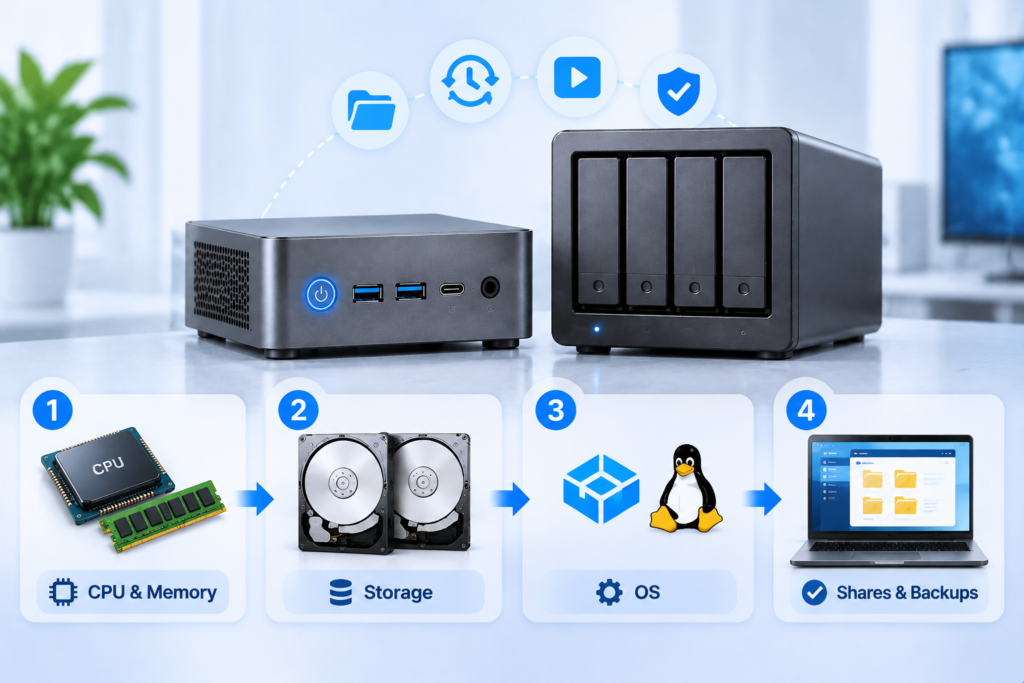
Step 3: Choose an Operating System
| Operating system | Best suited to | Memory floor | Storage flexibility | Learning curve |
| ZFS based appliance | Integrity, snapshots, replication | 8 GB | Fixed array, matched drives | Steep |
| Lightweight Debian based NAS | Beginners, low power hardware | 2 GB | Flexible, plugin driven | Gentle |
| Commercial array OS | Mixed drive sizes, gradual growth | 4 GB | Very flexible, boots from USB | Moderate |
| Linux with Samba | Custom stacks, automation | 2 GB | Whatever you configure | Steep |
| Windows with shares | Reusing an existing install | 8 GB | Simple, limited | Very gentle |
Two warnings apply across all of them. Parity rebuilds on very large drives take hours and stress every remaining disk, so a second copy of important data is mandatory, and desktop drives using shingled recording perform poorly during sustained writes.
Step 4: Configure Shares, Accounts and Backups
Work through these in order, because each step depends on the one before it.
- Update firmware and the operating system before storing data.
- Create the pool or array, confirm its health, then create shared folders.
- Add user accounts and grant permissions per share rather than globally.
- Enable SMB for general devices and NFS only where needed.
- Schedule snapshots and point a backup job at a different machine.
- Attach a UPS, disable sleep, set the BIOS to restore power after an outage, and turn on SMART alerts.
A full walkthrough of first boot, share creation, and remote access is available in this mini PC home server guide, which follows the same order and adds client side configuration.
Is a Mini PC Better Than a Dedicated NAS?
For one or two drives and a mixed workload, a mini PC delivers more performance per dollar. For four or more drives, hot swap serviceability, or a single support contact, a dedicated NAS remains the better tool.
| Factor | Mini PC as NAS | Dedicated NAS |
| Cost per usable terabyte | Lower at small scale | Lower from four drives up |
| Processor performance | Desktop class | Modest, storage optimized |
| Drive bays | One or two internal | Four to twelve, hot swap |
| Maximum capacity | Limited without external hardware | High, expandable |
| Idle power | 6 to 15 W | 20 to 40 W |
| Serviceability | Open the case | Pull a tray |
Where the Dedicated NAS Still Wins
A purpose-built enclosure provides a backplane, tool free trays, per drive status lights, and a chassis designed for continuous vibration. Replacing a failed drive takes a minute instead of a screwdriver, which matters where downtime has a cost. Vendor platforms also bundle mobile applications, photo backup, and remote access, and replicating those features takes real setup time.
Where the Mini PC Wins
Below three drives, the economics favor the small computer. It costs less, uses less power, runs quieter, and offers far more processing headroom, which translates into faster thumbnails, smoother transcoding, and room for services such as home automation. It also repurposes easily as a desktop once its storage role ends.
If the machine will also host databases and remote access, the uptime side deserves its own review, and are mini PCs good for servers covers that ground in detail.
Power, Heat and Noise in Always-On Use
A modern mini PC idles between 6 and 15 watts, often less than a four-bay NAS, and stays quieter because it moves far less air and holds far fewer spinning drives.
Every watt running for a year consumes 8.76 kWh, so an 8 W draw uses about 70 kWh annually and costs roughly $10.50 at $0.15 per kWh, while a 30 W draw costs about $39.40. Efficiency certification helps: ENERGY STAR certified computers use roughly 30 to 40 percent less energy than standard models, largely by managing idle states better, and idle is where an always-on machine spends most of its life.
Heat is the other operating cost. A mini PC in a closed cabinet or beside a radiator will throttle and age faster than one with open airflow. Keep clearance around the intake, clean the fan every six to twelve months, and avoid setting it on carpet.
How Long Will the Hardware Last?
Expect five to seven years of useful service from a well cooled mini PC, and three to five years from a consumer hard drive running continuously, with a small but steady failure rate from the first year onward.
How Long Do NAS Hard Drives Last?
Failure is statistical rather than scheduled. Backblaze’s 2025 drive statistics, covering 344,196 drives, reported an annualized failure rate of 1.36 percent, meaning roughly one drive in seventy fails in a given year. That figure hides a bathtub curve: elevated early failures, a long stable middle, and rising risk after five years.
Three signals matter more than any single number: the warranty, typically three to five years for continuous operation drives; the workload rating, often 180 TB per year; and SMART attributes such as reallocated and pending sectors. A drive showing a few reallocated sectors is not necessarily dying, but it needs a replacement plan and a verified backup.
How Long Does a Mini PC Last?
Most wear falls on the fan, the thermal interface material, and the power supply. Fans clog, thermal paste dries and raises temperatures by several degrees, and external power bricks fail more often than the computers they feed. Solid state storage has its own clock: consumer drives are rated by total bytes written, and one handling continuous writes from surveillance or virtual machines will reach that limit before its warranty expires.
The Downsides You Should Accept Before Buying
The main downsides are physical rather than computational: few drive bays, no hot swap, limited expansion, external storage that can drop offline, and consumer grade support.
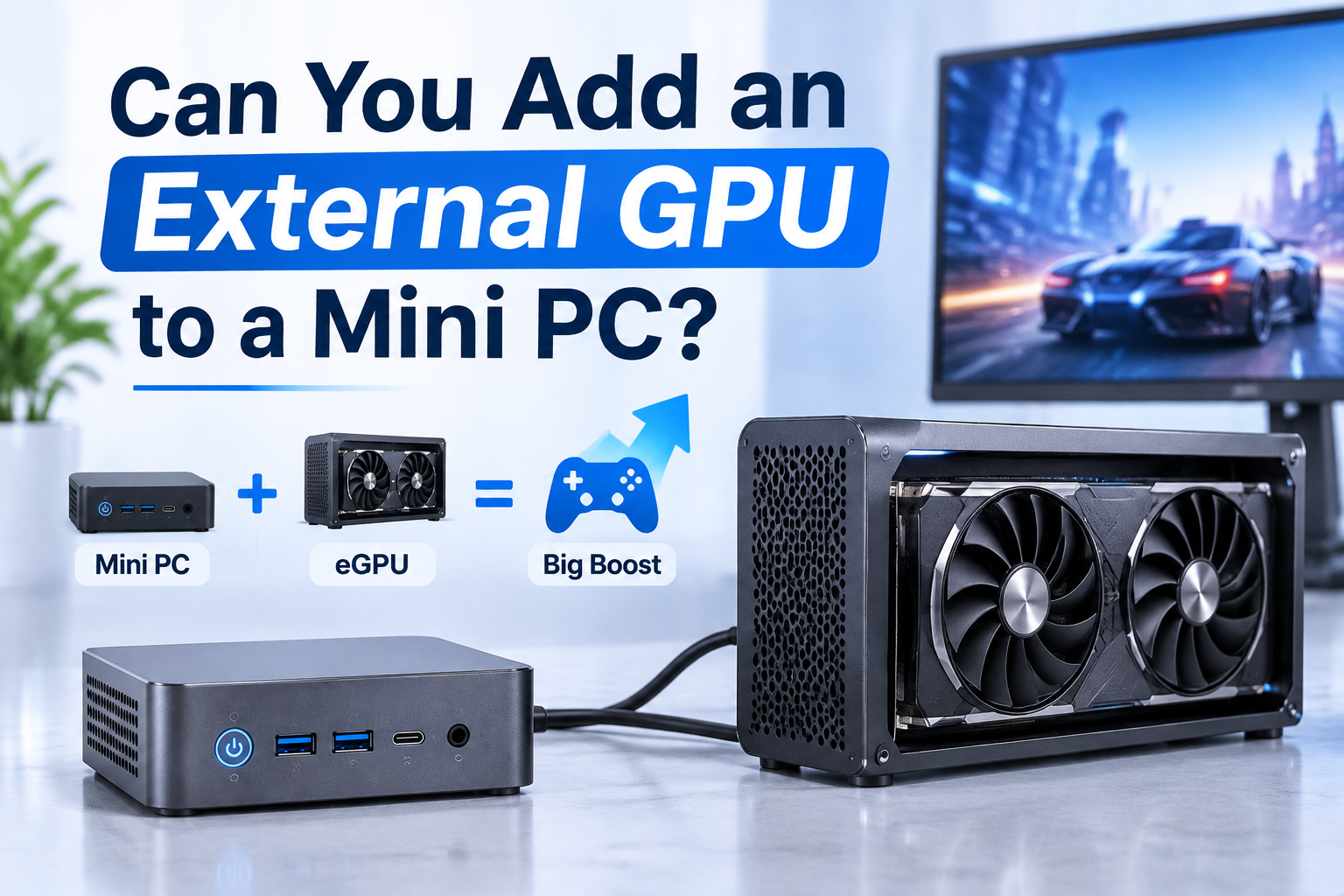
Beyond storage, mini PCs share the general limits of the category. Memory is often soldered or capped at two slots, there is no room for a discrete graphics card, sustained loads cause throttling in thin chassis, and out of warranty repairs are difficult because parts are proprietary.
The pattern is consistent: a mini PC trades serviceability and expansion for cost, size, and efficiency.
Data Safety: RAID Is Not a Backup
Redundancy protects against a dead drive. It does not protect against deletion, ransomware, a power event that corrupts the file system, or a failed controller, and those causes account for a large share of real data loss.
The minimum defensible design is three copies on two media types with one offsite: the working copy on the NAS, a local copy on a drive connected only during the backup window, and an offsite copy elsewhere. Snapshots help, but they live on the same storage and disappear with it. Test a restore yearly, because a backup that has never been restored is a hypothesis.
Who This Setup Suits
It suits households, small offices, labs, and branch locations that need one or two drives of shared storage and can benefit from running additional services on the same machine.
| Scenario | Fit | Reason |
| Home media and photo backup | Strong | Low concurrency, transcoding benefits from modern graphics |
| Small team sharing, three to ten users | Good | Adequate until capacity passes a few terabytes |
| Branch or edge collection | Good | Small, quiet, easy to replace |
| Video editing with active projects | Weak | Throughput and capacity favor dedicated hardware |
| Archive above 20 TB | Weak | Drive count and rebuild risk grow unmanageable |
A small team needs a different balance of capacity, support, and serviceability, which is why guidance on a Mini PC NAS for Small Business starts with user count rather than hardware.
FAQ
Most problems after a build come from unexpected power events, wrong assumptions about drive count, and unrealistic transcoding expectations.
Can a mini PC NAS run without a monitor and survive power cuts?
Yes, once remote access is configured. Enable the BIOS setting that restores power after an outage, disable sleep, and connect the machine to a UPS with a USB data cable so it can shut down cleanly when battery level drops. Without that handshake, it loses power abruptly, which is the scenario that damages file systems.
How many drives can a mini PC realistically support?
Two internally in most models, occasionally three. External enclosures add four to eight more, but they share a single USB link and compete for the same bandwidth. Beyond six total drives, the risk of a bridge failure affecting the whole array outweighs the savings.
Is a mini PC fast enough for 4K media streaming?
Direct play needs almost no processing power, because the client decodes the file. Transcoding depends on hardware acceleration in the integrated graphics, where a recent mid range processor handles one or two simultaneous 4K streams and older or low power chips may struggle.